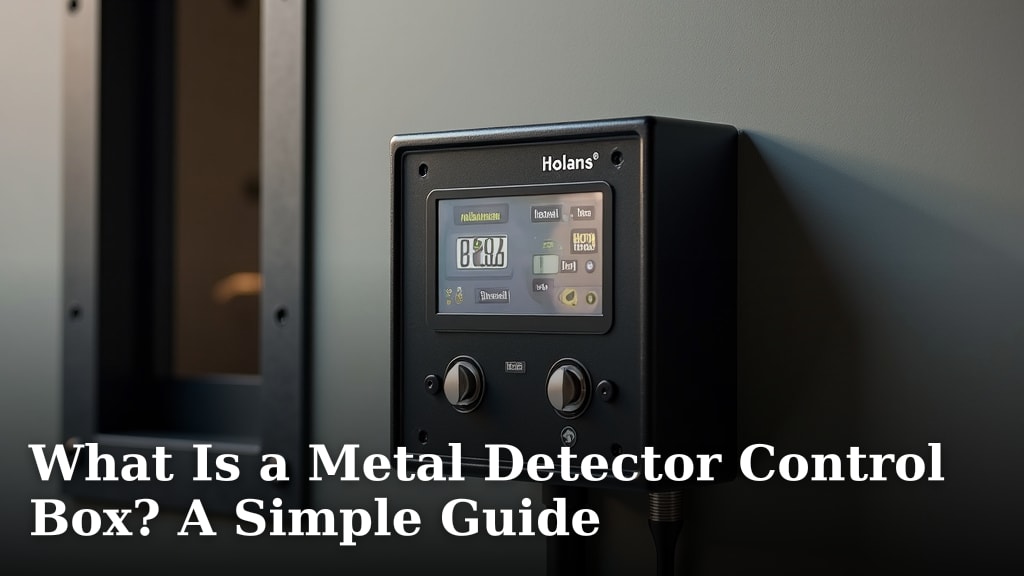
What Is a Metal Detector Control Box? A Simple Guide
The metal detector control box is the brain of your metal detector. It houses all the electronics that process signals from the search coil. This box lets you adjust settings to find different types of metal targets.
Think of it as the command center for your detecting adventures. It’s where you control sensitivity, discrimination, and ground balance. The control box allows you to customize your detector for various environments and targets. Many experts say it’s what makes your detector smart.
- The control box is the electronic hub.
- It processes signals and lets you adjust settings.
- Key functions include sensitivity and discrimination.
- It helps you customize your detector for different finds.
Let’s walk through exactly what this important part does and how it helps you find more treasure.
The Heart of Your Metal Detector: Understanding the Control Box
This box is the electronic brain of your metal detector. It’s where all the magic happens. You’ll find all the controls here. They let you adjust how your detector works. Think of it as your personal command center for finding buried objects. To better understand the evolution of this technology, you can explore the history of metal detecting.
What Exactly Does the Control Box Do?
Your metal detector works by sending a signal into the ground. The search coil picks up any changes in that signal. The control box takes that information. It then tells you what it found. It’s the part that turns a vague signal into a useful alert. It processes everything to help you identify targets.
Many detectorists consider the control box the most important part. It’s what makes your detector smart. Without it, the search coil is just a piece of wire. The control box analyzes the signals. It filters out unwanted noise. Then it tells you when you’re near something interesting.
Key Components and Their Functions
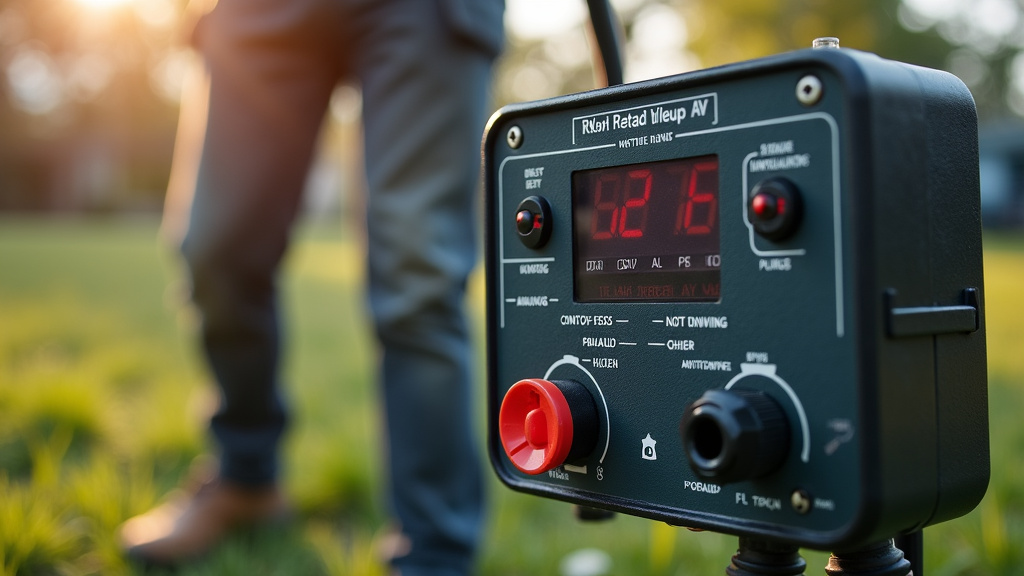
Inside the control box, there are several important electronic parts. You interact with these through the buttons and knobs on the outside. Let’s break down what these controls mean for you.
The Processor: The Smartest Part
This is where the signal gets analyzed. The processor listens to the search coil. It uses algorithms to decide what might be there. Is it a coin? A piece of trash? The processor helps make that decision. It’s constantly working to interpret the data. Many experts say this is what gives detectors their ability to discriminate.
The Speaker or Headphone Jack: Your Alert System
How does the detector tell you it found something? Usually through sound. The control box sends the signal information to a speaker. Most detectors also have a headphone jack. This lets you hear faint signals better. It also keeps your finds private. You can plug in headphones to focus on the sounds. This is a key part of the user experience.
The Display Screen: Visual Feedback
Many modern control boxes have a screen. This screen shows you visual information. You might see a target ID number. This number gives you an idea of what the object could be. The screen can also show depth estimates. It might show battery life or settings. It provides a clear way to see what your detector is telling you. This visual feedback is very helpful.
Essential Controls You’ll Find on Most Boxes
When you look at a control box, you’ll see various knobs, buttons, or touchscreens. These allow you to fine-tune your detector. Understanding these will greatly improve your success rate. Let’s look at the most common ones.
Sensitivity: How Far It Reaches
Sensitivity controls how deep your detector can sense metal. Turning it up means it can find deeper targets. However, too much sensitivity can cause false signals. This is especially true in areas with a lot of underground interference. You need to find the right balance for your environment. Finding this sweet spot is important for effective detecting.
Discrimination: Ignoring the Junk
This is a very popular feature. Discrimination lets you set your detector to ignore certain types of metal. For example, you can often set it to ignore iron or foil. This helps you avoid digging up trash. It means you can focus on finding more desirable items. Different settings help you target specific metals. It’s a way to filter out what you don’t want to find. Many find this feature saves a lot of time.
Ground Balance: Dealing with the Earth
The ground itself can contain minerals. These minerals can sometimes trick your detector. They can create false signals. Ground balance helps your detector ignore these mineral signals. It tunes the detector to the specific ground conditions. Some detectors have automatic ground balance. Others require you to do it manually. Properly balancing the ground is crucial. It improves accuracy and depth. Research shows that improper ground balance can lead to missed targets (Fisher Research Labs).
Volume Control: Tuning Your Ears
This is straightforward. It controls how loud the detector’s audio signals are. You can adjust it to your comfort level. Some detectors have different tones for different metals. Volume control lets you hear these tones clearly. You can also use headphones to get more precise audio feedback.
Different Types of Control Boxes
Not all control boxes are the same. Manufacturers design them with different user levels in mind. You’ll find variations depending on the detector’s price and intended use.
Simple vs. Advanced Boxes
Beginner models often have fewer controls. They are designed to be easy to use right out of the box. Advanced models might have more complex settings. These offer greater customization for experienced users. They might include features like target ID numbers, multiple search modes, and adjustable tones. Think about your experience level when choosing. A simpler box can be less intimidating. A more advanced one offers more power.
Waterproof and Submersible Boxes
Some detectors are designed for use in water. Their control boxes are built to be waterproof or submersible. This means you can detect at the beach or in shallow streams. Always check the manufacturer’s specifications. It tells you how deep the detector can go. This feature opens up new hunting grounds for you.
How to Maintain Your Control Box
Taking care of your control box is important. It’s exposed to the elements. Keeping it clean will help it last longer. After detecting, wipe it down with a dry cloth. If it’s very dirty, use a slightly damp cloth. Avoid harsh chemicals. Also, protect it from extreme temperatures. Store it in a safe place when not in use. Batteries should be removed if you plan to store it for a long time.
Checklist for Understanding Your Control Box
Here’s a quick checklist to help you get familiar with your detector’s control box:
- Locate all the knobs and buttons.
- Read your detector’s manual for each control.
- Understand what sensitivity does.
- Know how to adjust discrimination settings.
- Learn how to perform ground balance if needed.
- Check battery levels regularly.
Conclusion
You now understand that the metal detector control box is far more than just a handle. It’s the central hub that processes signals, letting you customize your search. By understanding its components like the processor and display, and mastering controls such as sensitivity, discrimination, and ground balance, you gain precision. This knowledge helps you filter out junk and find more targets. Take some time to read your detector’s manual and practice with these settings. Your next successful find might just depend on it!
Frequently Asked Questions
What is the main job of the control box?
The control box is essentially the brain of your metal detector. It processes signals from the search coil and lets you adjust settings to identify different metal targets in the ground.
Can I use my metal detector in the rain?
Some control boxes are waterproof or submersible, but not all. Always check your detector’s specifications to see if its control box can handle moisture or submersion before using it in wet conditions.
How do I know if my control box needs new batteries?
Most detectors will give you a warning on the display screen when the battery is low. Some may also emit a different tone or stop functioning correctly. Checking the battery level regularly is always a good idea.
What does ‘discrimination’ do on a control box?
Discrimination allows you to set your detector to ignore unwanted metal items, like iron nails or pull tabs. This helps you avoid digging up trash and focus on potentially more valuable finds.
Are advanced control boxes always better?
Advanced control boxes offer more customization and features for experienced users. However, simpler boxes are often easier for beginners to learn and use effectively. The best choice depends on your experience level and hunting needs.